Advanced Query Analysis
Rolling Measures
Want to know what's your weekly/monthly active users on a daily basis? Or what's the moving average for any given day? Rolling Measures is a new feature designed to help you get those answers.
Rolling Options
There are three options. For each, you are able to select from the pre-filled numbers or type in your own and select it.
Rolling Average
For every day of the date range, do an average of the measure values for the last X days (including the current day).
Rolling Sum
For every day of the date range apply, the Measure Function and do a sum of the Measure values for the last X days (including the current day).
Rolling Window
For every day of the date range, apply the Measure Function over the date range window.
How to Build a Rolling Measure
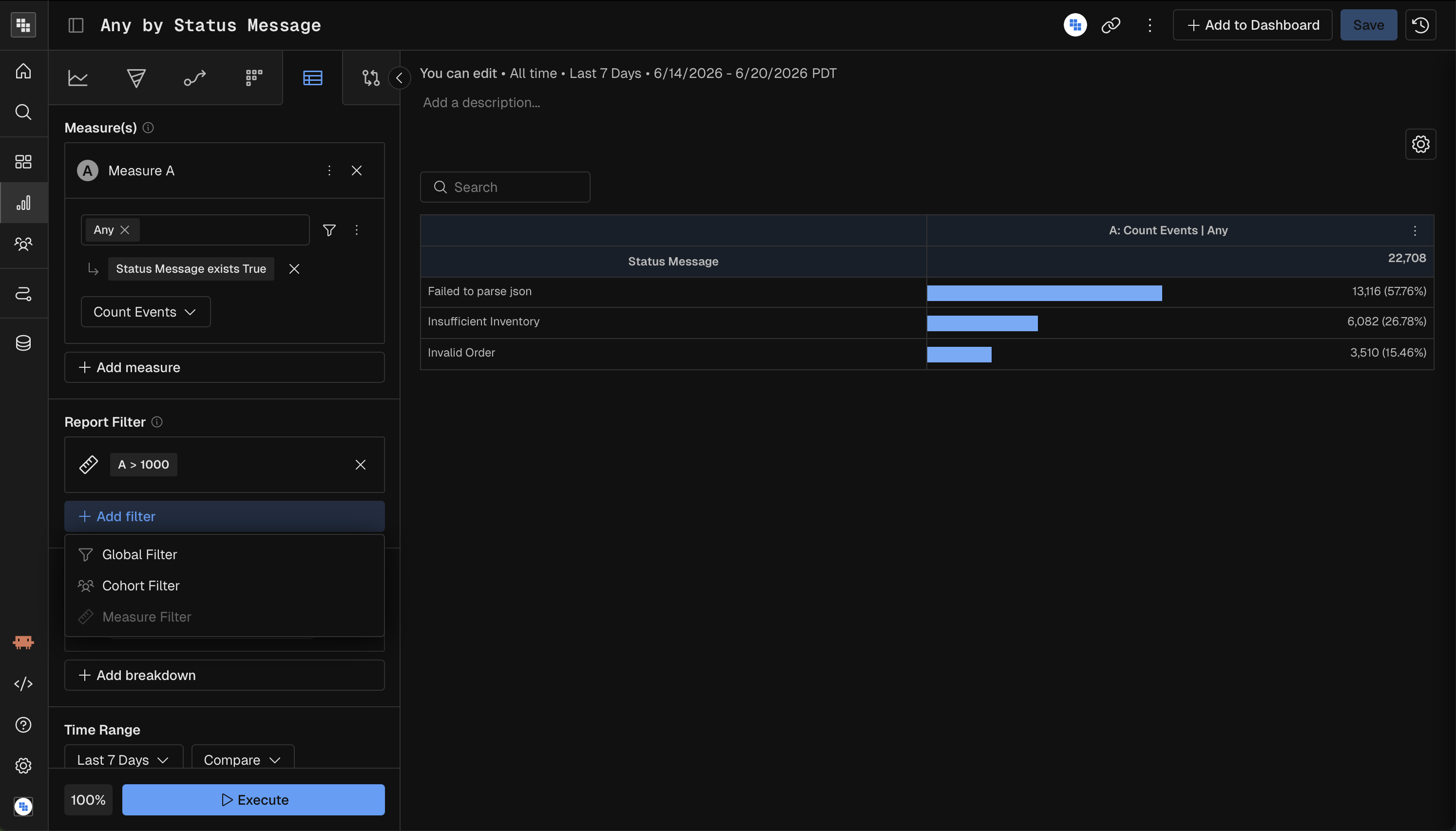
Build your Measure in Query and when selecting your Measure By option (under your selected event) you will see a Rolling option in the top right of the dropdown.
Select your Rolling option
Select the pre-defined days or enter your own custom days and click the checkmark
Execute your Query
🚧 Constraints with rolling measures
Rolling Measures can span a maximum of 90 days.
Compound Rolling Measures
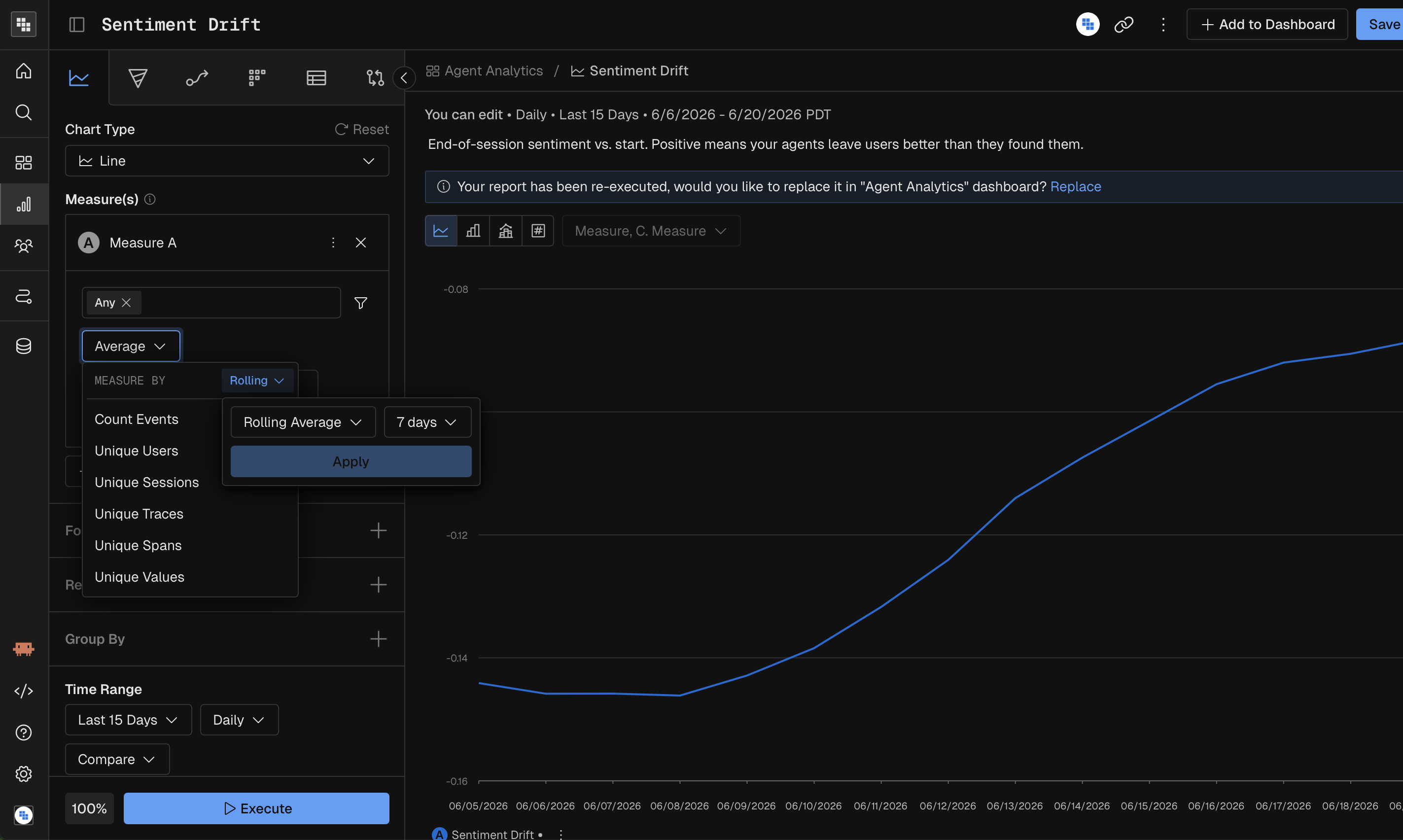
You're also able to create multiple Rolling Measures and build formulas from their results. Here are a few examples:
Rolling DAU/WAU %
Rolling 7 day Average of Unique Users divided by Rolling Window of 7 days of Unique Users
Rolling DAU/MAU %
Rolling 7 day Average of Unique Users divided by Rolling Window of 30 days of Unique Users
Measure Filters
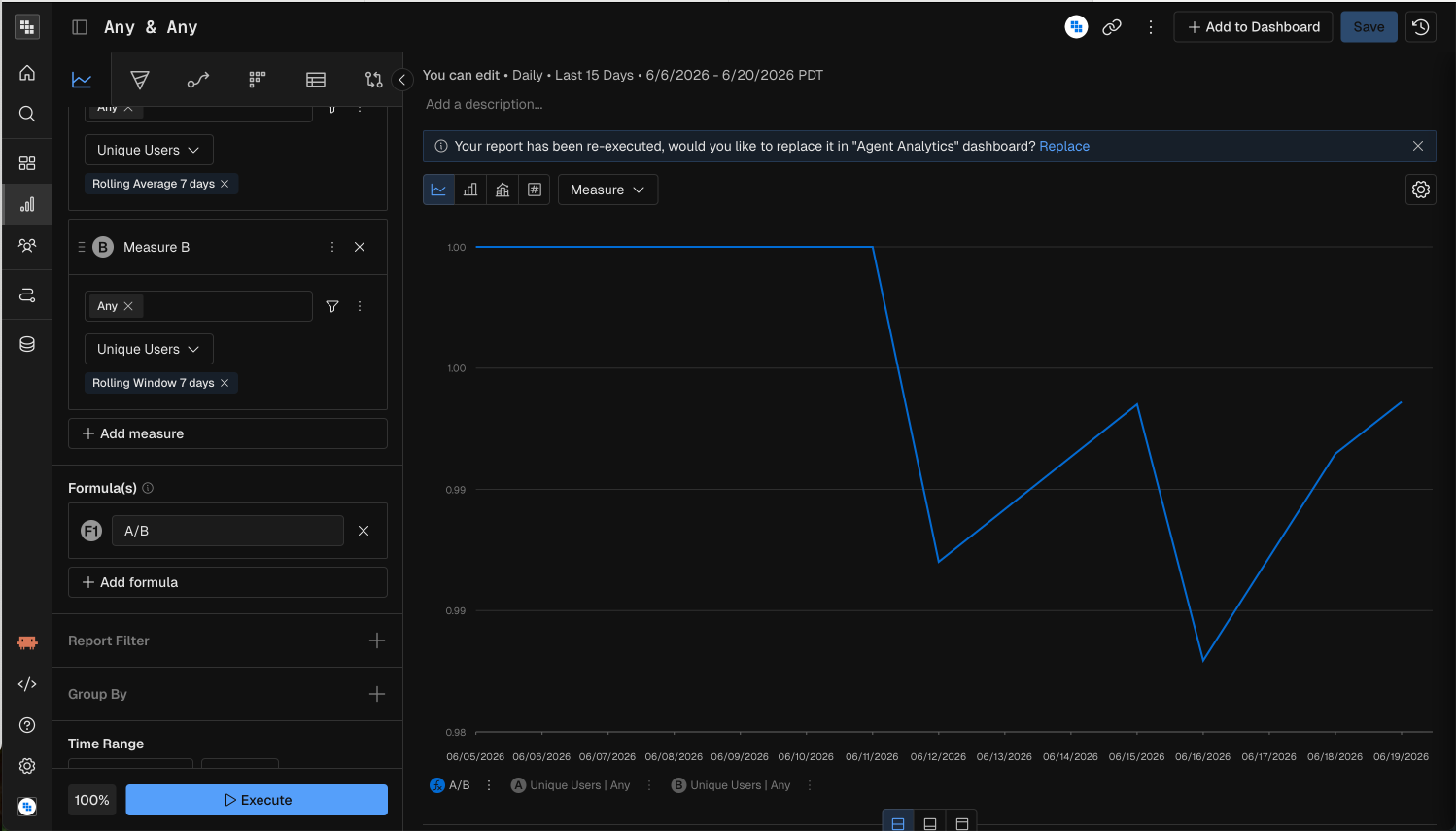
Measure Filters allow you to easily exclude outliers, could also be helpful especially when breaking down ratios to avoid division by 0. Let's consider the following example where we see some outliers in our Data Table:
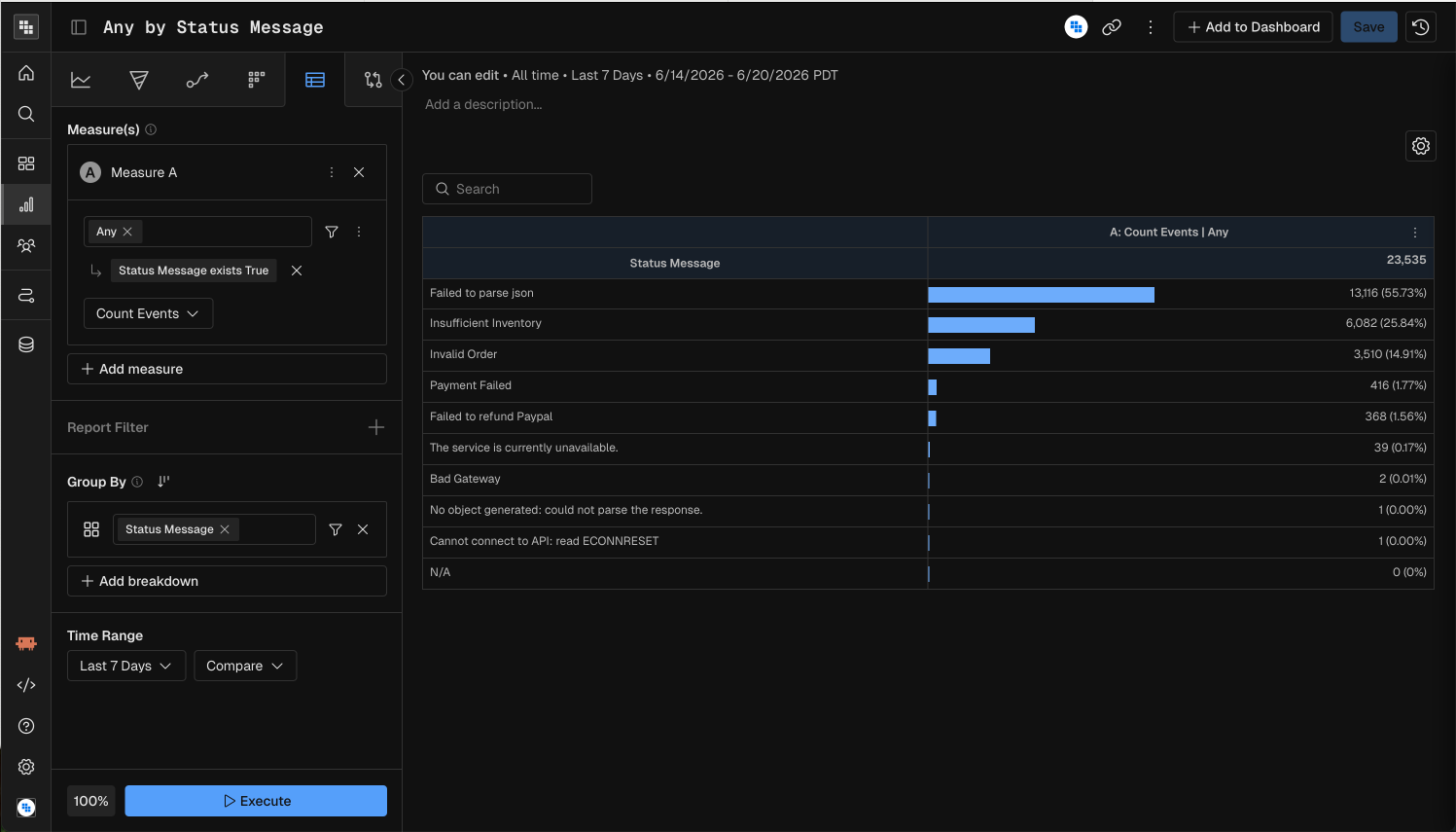
Let's say for the purposes of our report we want to ignore them to focus the attention on the top groups. We could apply a Measure Filter where A > 1000 to achieve that: