
Get Support
Get support wherever you're working — Chat, Contact, and Guide inside Kubit app, or the /kubit-help skill directly inside Claude Code or Cursor. Most likely, you will be talking to one of our developers directly.
In-app Help
In the left navigation, click Help.
Pick one of three options: Chat, Contact, or Guide.

Chat
Start a live conversation with Kubit team, including Ari: our AI support agent.
From the Help menu, click Chat.
Type your question and send.
Ari and/or our team member will respond.
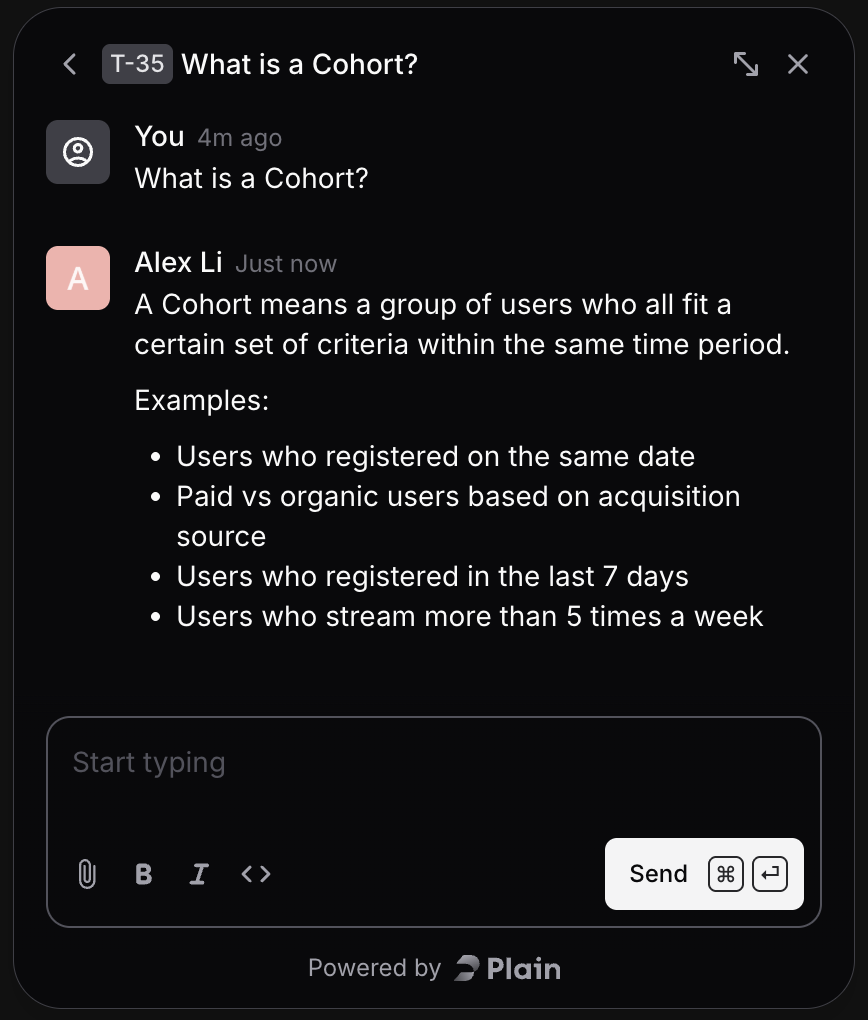
Use Chat when you want a quick back-and-forth conversation.
Contact
Submit something more structured — a bug report, product feedback, or a general question that doesn't need a live conversation.
From the Help menu, click Contact.
Choose the request type:
Bug — Something is broken or behaving unexpectedly. Include reproduction steps when you can.
Feedback — Suggestions, feature requests, or anything you'd like to see improved.
General question — Anything that doesn't fit cleanly into Bug or Feedback.
Add a description and submit.
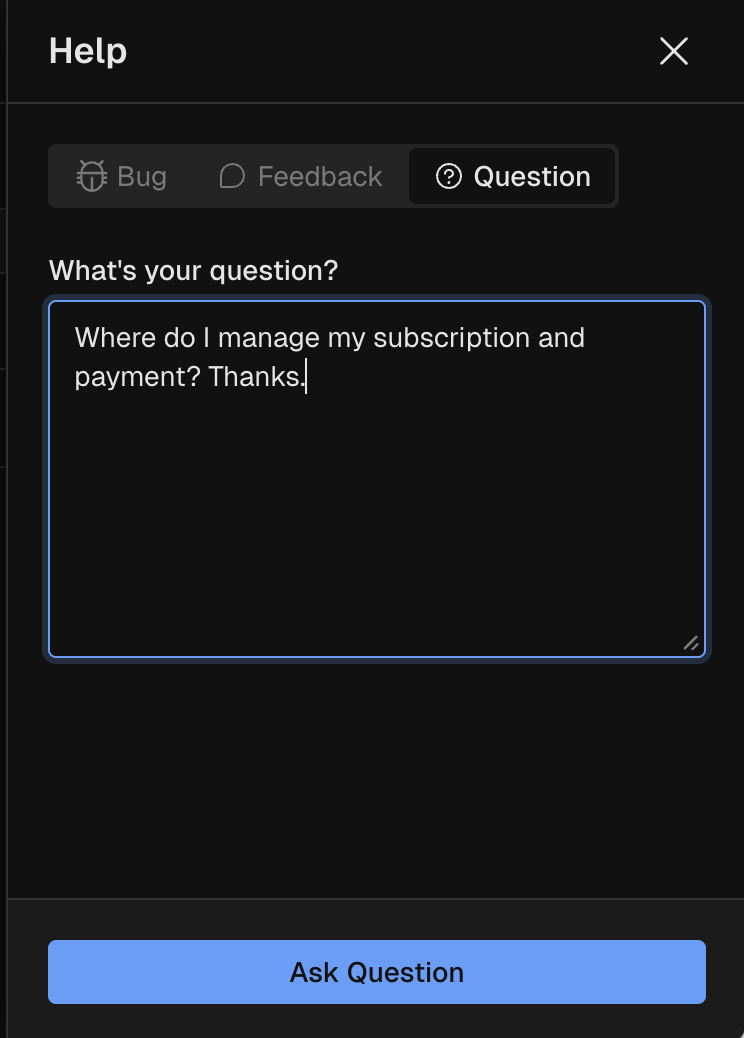
We'll route your request to the right developer and follow up in email.
Documentation
Search for an answer, browse our documentation, or learn a new area without waiting on a person.
From the Help menu, click Documentation, or go to guide.kubit.ai
CMD K , or Search from the top bar to Ask AI a specific topic, or drill into the topics and sections in the left navigation.
Get help inside Claude Code or Cursor
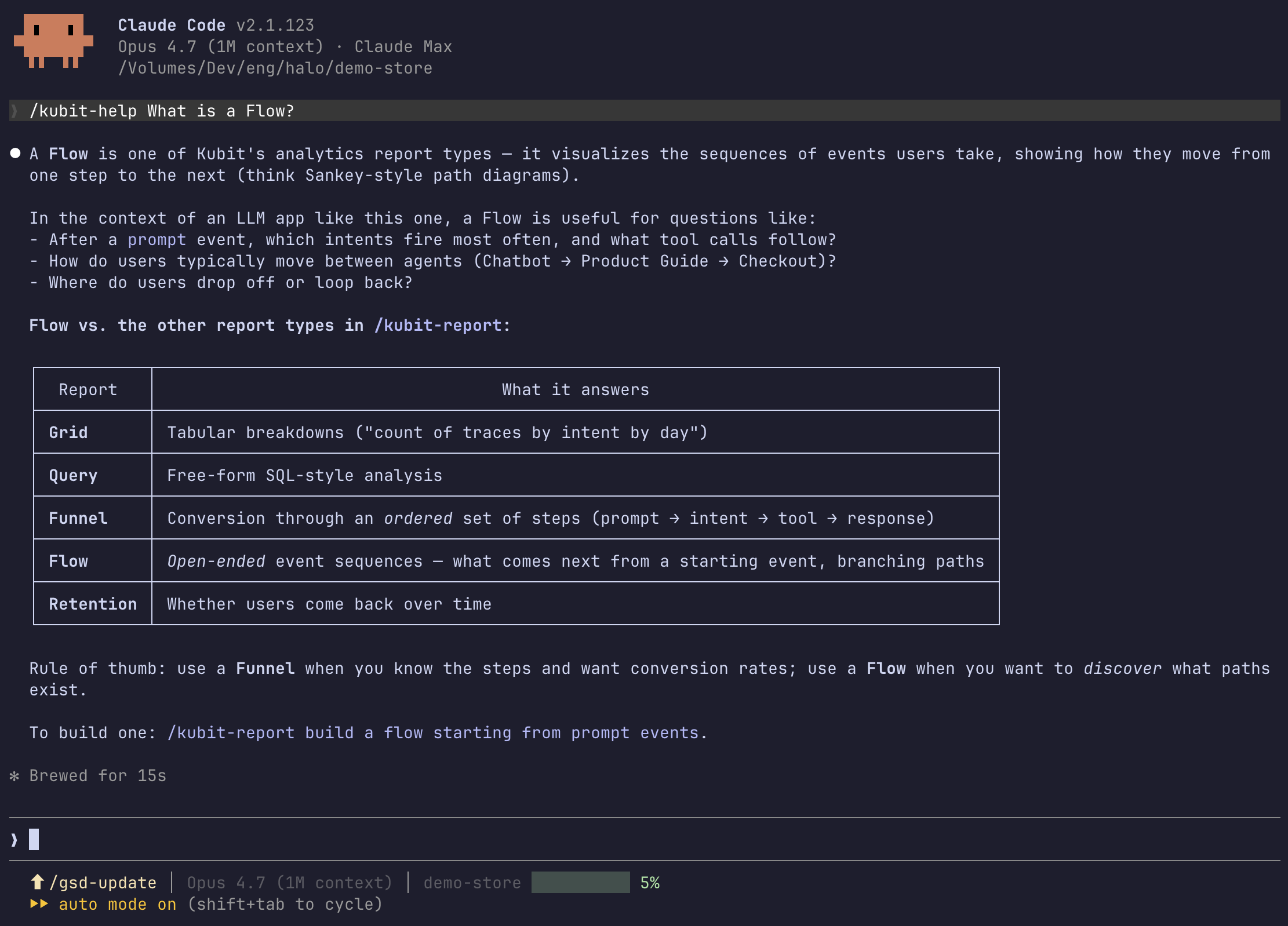
If you're already working in your AI coding agent, you don't have to context-switch back to the Kubit web app for an answer. The /kubit-help skill ships with the Kubit plugin and runs as a chat command directly inside Cursor or Claude Code — useful for both Kubit skill questions ("how does /kubit:inspect work?") and product questions ("how do I build a funnel report?").
In your IDE's chat or command surface, type
/kubit-help.Ask your question in plain language.
The skill searches Kubit's docs and knowledge base and returns the answer inline, right where you're working.
You may also use this skill to report a bug, provide feedback or ask any question, our team member will respond offline in email.
Requires the Kubit plugin. If
/kubit-helpisn't recognized, install the Kubit plugin in your AI coding agent first, then try again.
Next steps
When you're not sure where to start, try the Documentation first.
If you're working in Cursor or Claude Code, ask
/kubit-helpwithout leaving your IDE.Still stuck? Switch to Chat for a quick back-and-forth, or Contact for anything that needs a structured follow-up.