Demo Store
Chat with the Atlas Store agent — a fictional shop for sneakers, shoes, tees, dresses, and hats — and watch Kubit turn raw conversations into intent, sentiment, and friction signals.
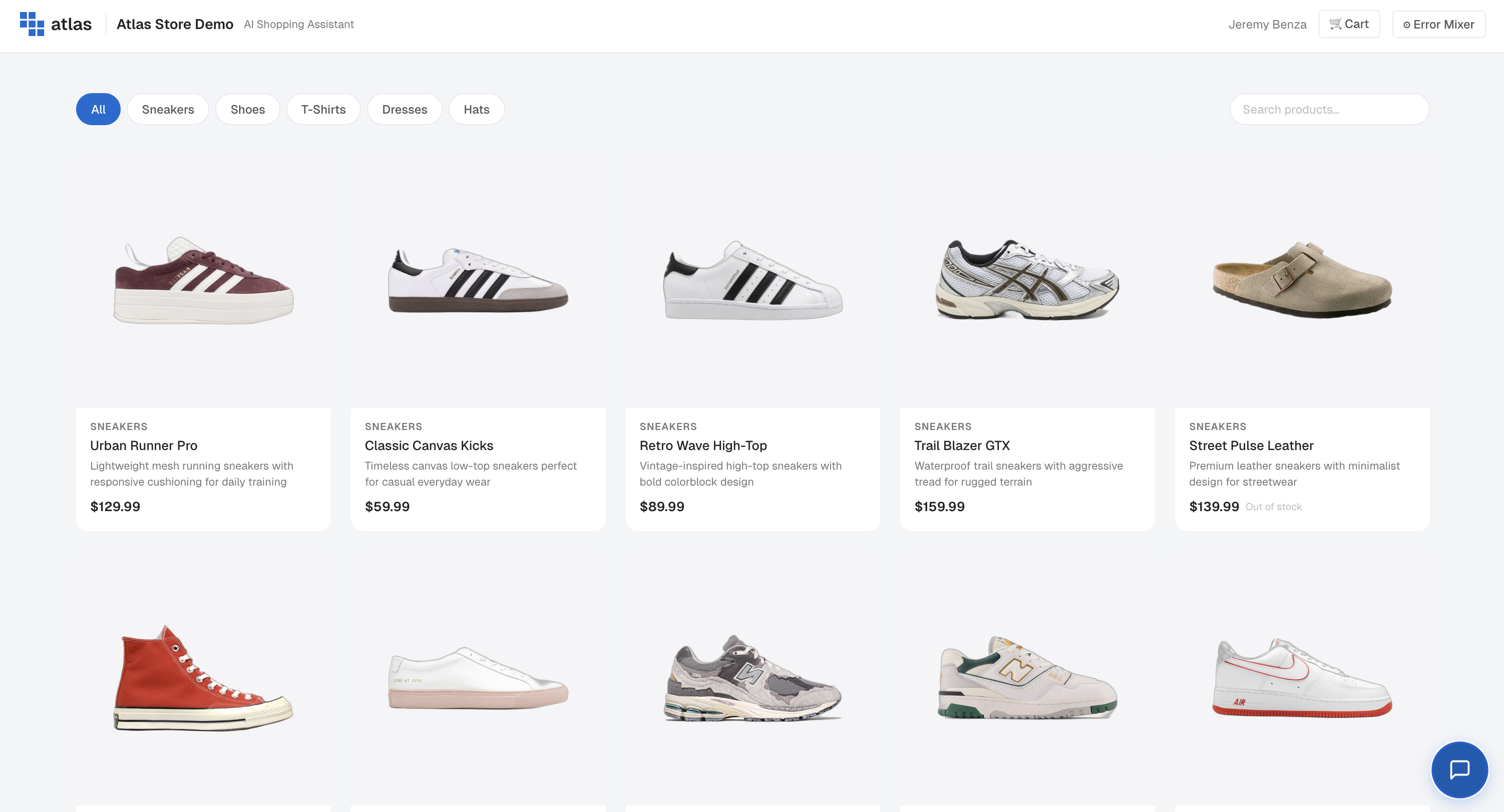
Open the Atlas Store
Go to halo.kubit.ai.
Browse the catalog to get oriented — the chat interface lives in the bottom-right corner.
Tune the error mix (optional)
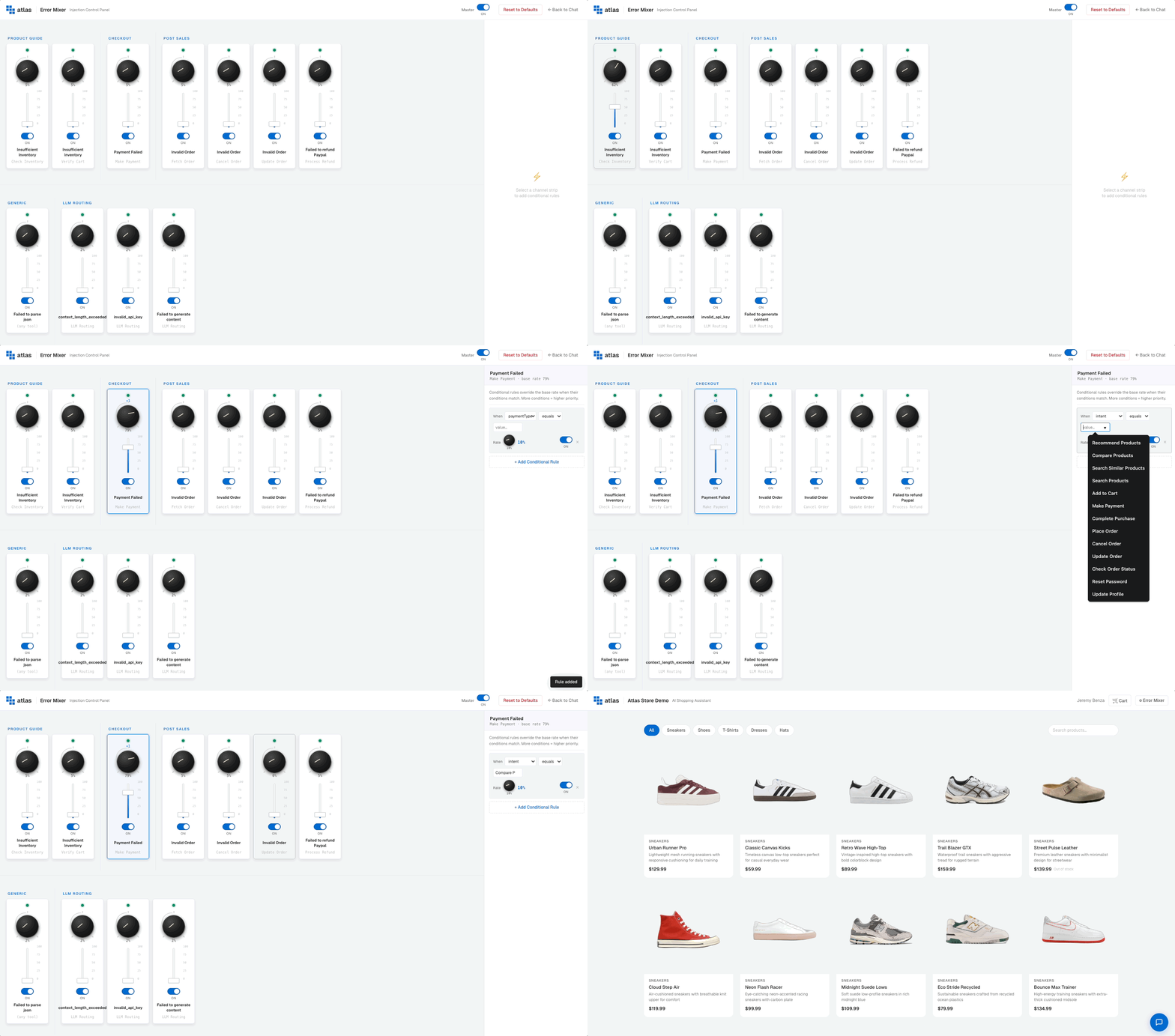
Want to see how the agent and Kubit handle failures? Use the Error Mixer to inject different kinds of errors at the rate you choose.
In the top-right, click Error Mixer.
Toggle individual error types on or off.
Slide the percentage up or down to control how often errors fire.
Have a few conversations
Open the chat and treat it like a real shopping session. Mix in product searches, size questions, frustrations, dead ends, and successful purchases.
A few prompts to get you started:
"Looking for the classic canvas kicks."
"Do you have these in a size 10?"
"Add them to my cart."
"Why isn't this working?" (intentionally frustrated)
"Can you recommend a hat to go with these?"
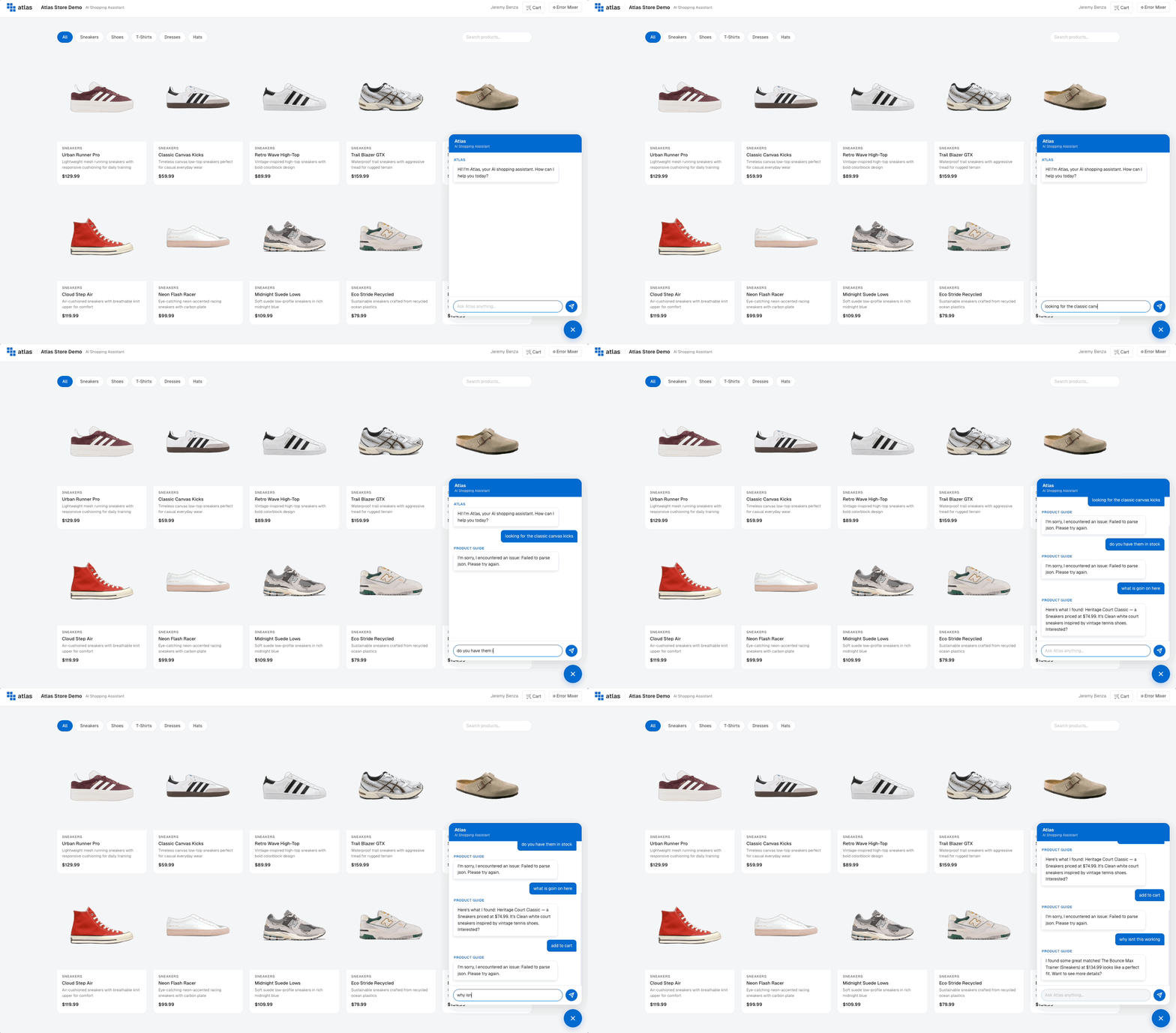
As you interact, Kubit reads every turn. It infers your intent (browsing, sizing, checking out, etc.), tracks sentiment as the conversation evolves, and captures friction signals when things go sideways — repeated rephrasing, escalations, abandonment.
Have multiple conversations across multiple sessions to build up a representative dataset.
Confirm your data is flowing in
Once you've chatted enough, head back into Kubit to confirm the data made it.
In the left navigation, click Integration. You land on the Data Pipeline tab, which is the health check for your data — not the place to inspect individual conversations. Two panels live on this single page:
Streaming — Raw events (near real-time) — latest event timestamp, total events in the last 24 hours, events landed this hour, and a 24-hour bar chart that refreshes every ~15 minutes. This is where you confirm Atlas traffic is hitting Kubit.
Batch — Enriched data (hourly) — when the next enrichment run is scheduled, how many batches completed in the last 24 hours, and a table of recent batches with their intent, sentiment, friction, sessions, and status.
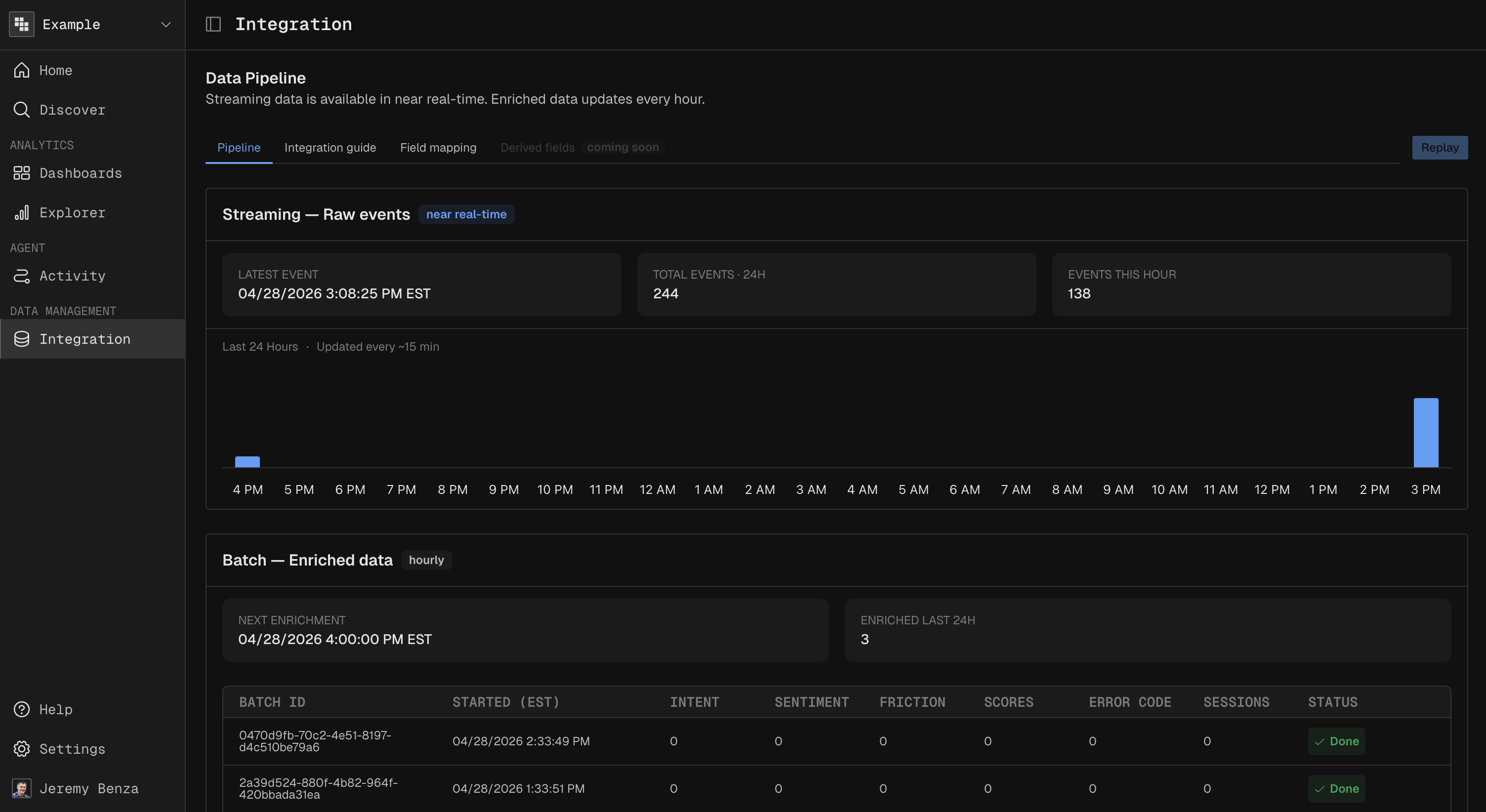
If you just chatted, you should see your event count tick up under Streaming (Note: It may take up to 15 minutes). The matching enriched batch shows up after the next hourly run.
What enrichment adds
Enrichment turns raw chat turns into a structured analytical record. Each enriched conversation comes with:
Field | What it means |
|---|---|
intents | Every distinct goal the user pursued during the conversation (e.g., browsing, sizing, purchasing). |
primary intent | The single most dominant goal — what the conversation was really about. |
resolved intents | The intents the agent actually completed for the user. |
clarification count | How many times the agent had to ask the user to clarify. |
escalation count | How many times the user asked for a human or escalated their request. |
start sentiment score | The user's emotional baseline at the start of the conversation. |
end sentiment score | Where their sentiment landed by the end. |
sentiment drift | How much sentiment moved — positive means the agent recovered the experience; negative means it got worse. |
friction signals | Specific moments of frustration — rephrasing, repeated asks, abandoned carts, dead ends. |
delight signals | Specific moments of positive reaction — thanks, enthusiasm, repeat purchases. |
technical density score | How technical the user's language was. Useful for separating expert from casual users. |
topic switch rate | How often the conversation jumped between unrelated subjects. |
personas | Inferred personas based on behavior (e.g., bargain hunter, gift shopper, repeat buyer). |
intent signatures | Recurring intent patterns Kubit has seen before and recognized in this conversation. |
These fields power every downstream view — dashboards, reports, traces, and sessions.
Next steps
Now that you've generated traffic, analyze your interactions with Atlas by exploring traces, sessions, users, and events.